admin
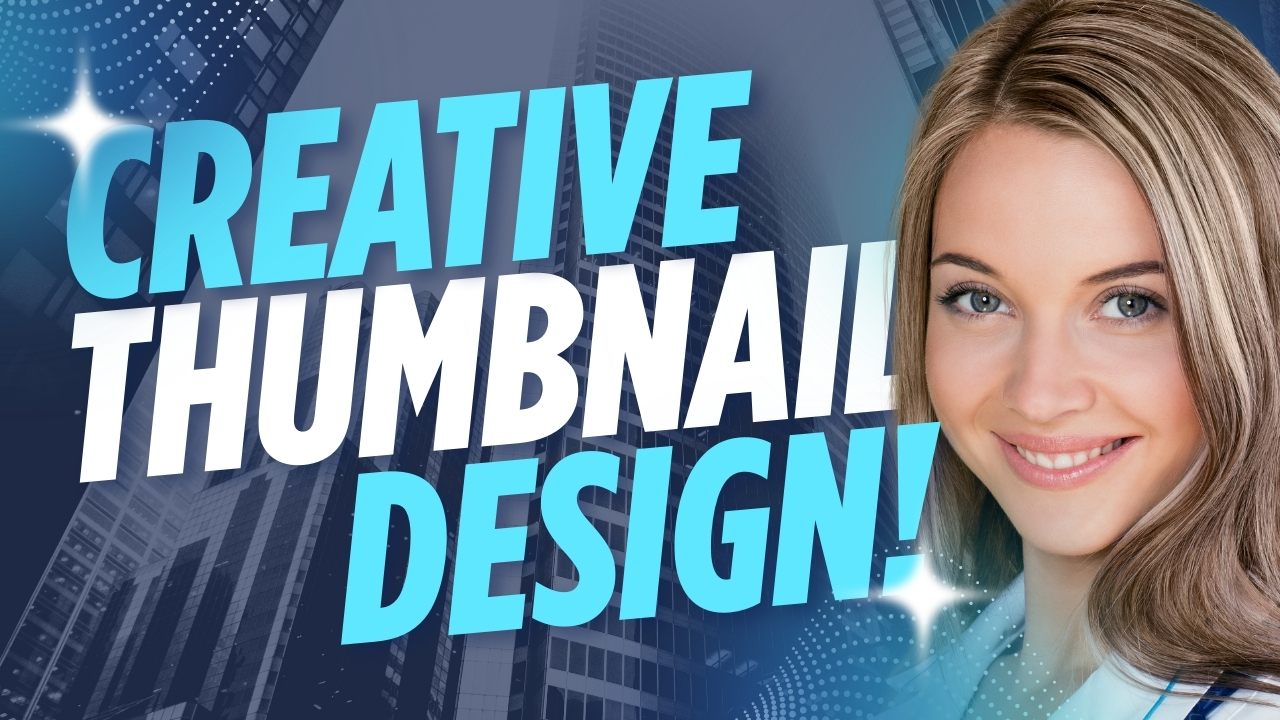
Perfect! Let’s make a creative thumbnail design that pops and grabs attention instantly. I’ll break it down into a ready-to-visualize concept you can implement in Canva, Photoshop, or Figma.
1. Thumbnail Concept
- Content Type: [Gaming / Podcast / News — I’ll assume a general creative thumbnail that could work for multiple platforms]
- Goal: Catch the eye with bold colors, dynamic composition, and a hint of mystery or excitement.
2. Layout & Composition
- Dynamic Diagonal Split: Divide the background diagonally — one side darker, one side brighter — to create depth.
- Focal Point: Place a main subject (person, character, or icon) slightly off-center, facing toward the text.
- Action Lines / Glows: Add subtle light streaks, motion blur, or glow behind the focal point to make it pop.
3. Color Palette
- Vibrant & contrasting colors for energy:
- Neon Blue + Hot Pink + Bright Yellow
- Electric Purple + Orange + White
- Use a gradient background for depth and visual appeal.
4. Typography
- Main title: Bold, uppercase, slightly angled or warped to match the diagonal layout
- Accent text: Smaller, sans-serif, contrasting color, slightly shadowed
- Use drop shadow or outline for readability over busy backgrounds
5. Imagery & Effects
- Subject Image:
- For gaming: Character/hero with energy effects
- For podcast: Host’s expressive face with mic
- For news: Dramatic world map or key icons
- Overlay Effects:
- Light rays, sparkles, glitch effects, or neon borders
- Semi-transparent shape behind text for clarity
6. Example Concept (Visual Mockup in Words)
Background: Gradient from neon blue (bottom-left) to bright pink (top-right)
Left Side: Slightly blurred action image (explosion/game effect / world map / microphone)
Right Side: Host/character image with glow outline
Text Placement:
- Top-right corner: Big bold title “LEVEL UP YOUR GAME!”
- Bottom-left corner: Subtitle in smaller font: “Tips, Tricks, and Secrets”
Additional Elements: Neon light streaks along the diagonal, small icon/logo in corner
7. Optional Creative Touches
- Animated or “motion” lines for digital thumbnails (great for YouTube Shorts or TikTok)
- Glitch effects or shattered fragments for tech/gaming content
- Semi-transparent geometric shapes to make text stand out
I can create an actual ready-to-use thumbnail image for you with this creative layout if you provide:
- Type of content (Gaming / Podcast / News / Other)
- Main title text and optional subtitle
- Any preferred colors or mood (dramatic, playful, futuristic, etc.)
Do you want me to make that thumbnail mockup for you?